 Epistemis
Install it wherever you study
Available on the App Store, Google Play, Windows and macOS. Free and with no account required. The core works from first launch; the Atlas downloads by module.
The same app, in a real window
It is not the website in a frame: it is the same app, with the core inside the package and the Atlas downloadable by module, running in its own window.
Windows
An ordinary installer. On launch it checks for a new version and asks before installing it: it does not update behind your back.
Windows will warn that the installer is unsigned: continue from "More info → Run anyway". The certificate is on the way. If you cannot install anything — a university or hospital computer — there is a portable build that runs without installing.
macOS
Signed with Developer ID and notarised by Apple, so it opens with a double click like any other app: no warnings, no going to System Settings to allow it. Requires macOS 12 Monterey or later.
Get the Apple Silicon build if your Mac is M1 or later, and the Intel one if it predates 2020.
Content updates on its own
Fixing a guide or adding questions does not require reinstalling anything: content updates through its own channel, exactly as on mobile. The desktop download only changes when the app does.
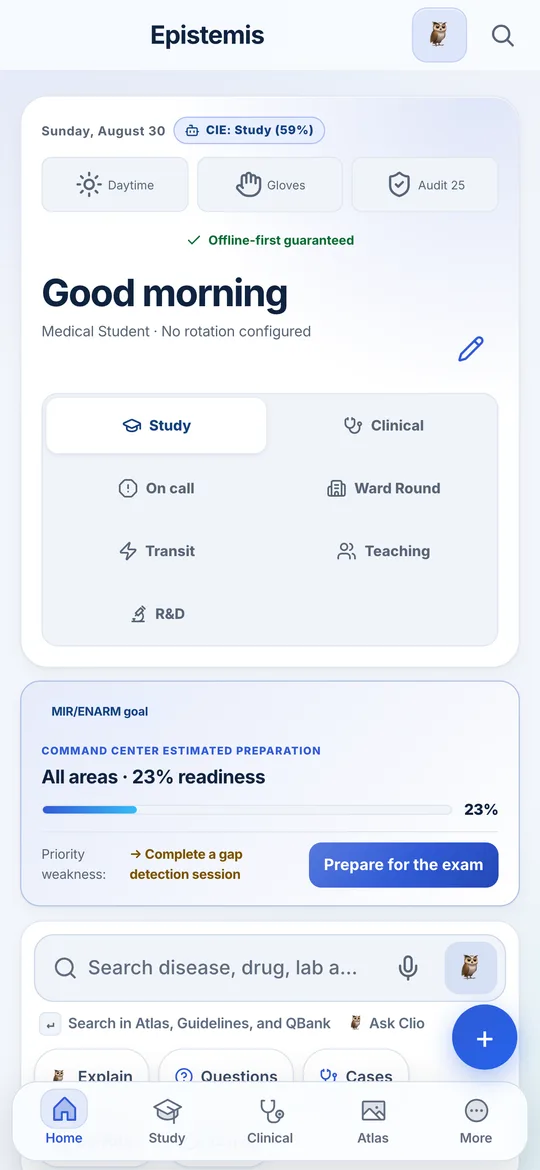
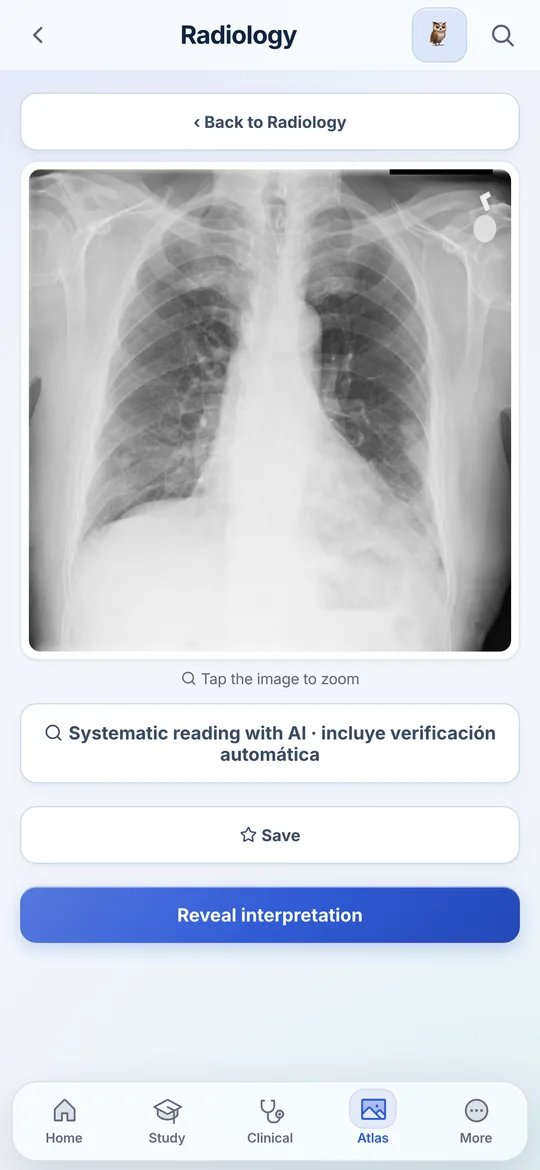
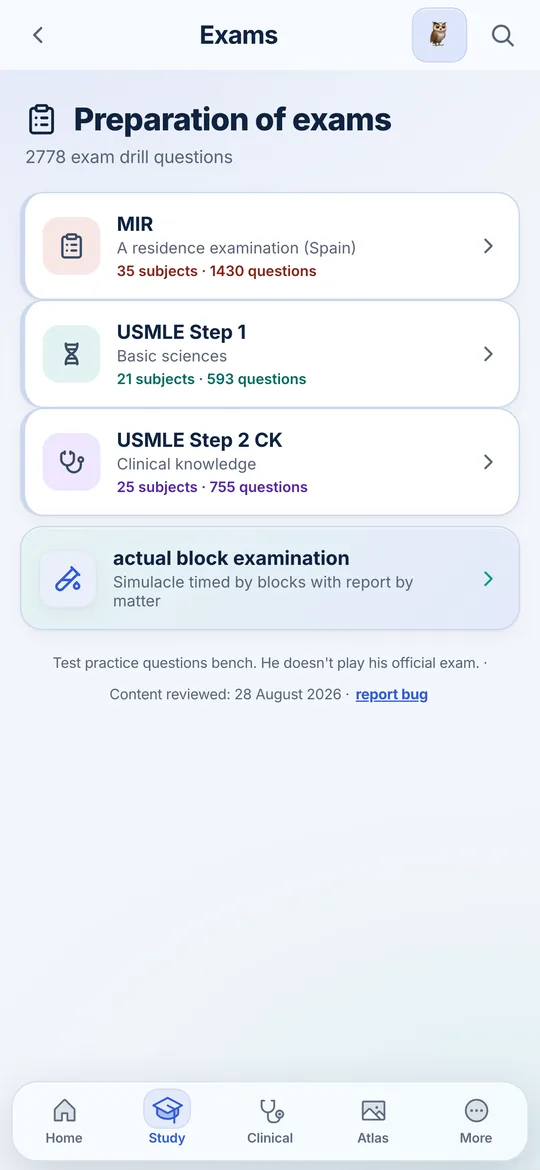
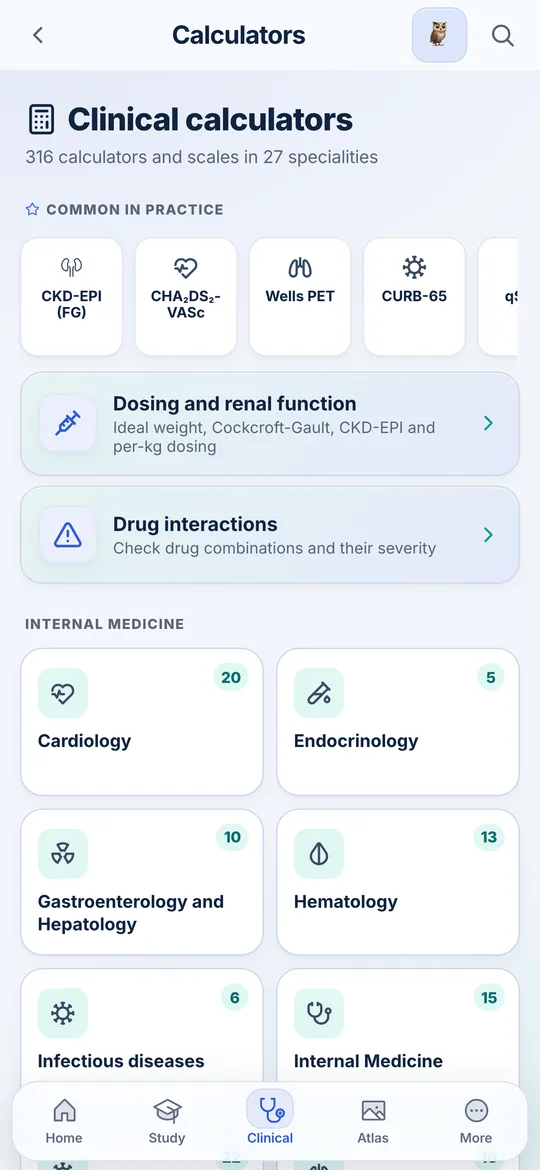
This is the app, untouched
Screenshots of the version that is live right now, not of a design that does not exist.
What needs an account and what does not
| Feature | Without account | With account |
|---|---|---|
| Guides, atlas, questions and calculators | All of it | All of it |
| Working offline | Core and downloaded Atlas | Core and downloaded Atlas |
| Progress and mistakes notebook | On this device only | Synced |
| Surviving a reinstall | No | Yes |
| Clio, the AI tutor | With your own API key | Included |
You choose how much it stores
The 767 guides, questions, calculators, formulary and sounds ship with the app. The 6,593 Atlas items and 3D models download when you open them or install their module. They remain stored for offline use and you can remove them to recover space. Wi-Fi is recommended for large packs.
- No ads and no third-party trackers.
- Without an account, your notes, searches and progress remain on the device.
- Full export of your data whenever you want.
- Account deletion lives inside the app, not in a hidden form.
Start today
Install it and start without signing up. You only need a connection to download an Atlas module for the first time or use an online feature.
Free. No account required. Offline core; the Atlas downloads by module.